October 25, 2026


Twice a year the clocks move, and most households hand the job to their phones. The screen flips, the smart speaker catches up, and the house ends up half-converted: the wristwatch is right, the oven is an hour out, and the lamp timer is clicking on in broad daylight. Setting the time is the easy part. The tidying up afterwards is where people get caught.
What follows is a room-by-room checklist for the weekend the clocks change, and it works in either direction — whether they go forward in spring or back in autumn. Saturday evening is the calmest moment to do it. Sunday morning, with a slow breakfast and nowhere to be, works too.
Some timepieces look after themselves. Phones, tablets and computers update over the network; so do smart speakers, watches paired to a phone, radio-controlled wall clocks and watches, set-top boxes, and the infotainment systems in newer cars. Glance at each one to confirm it has actually moved, then leave them alone.
Then there is everything else. Battery wall clocks, mechanical and wind-up clocks, mantel clocks and grandfather clocks, basic bedside alarms, ovens and microwaves, coffee machines with a programmable start, plug-in lamp timers, programmable thermostats, irrigation controllers, and the clock in an older car. That second list is shorter than you fear and longer than you remember — which is exactly why a written checklist beats memory.
Where a clock has a setting wheel or knob on the back, use it. It is gentler on the movement than pushing the hands around the dial, and on quartz clocks it is usually the only method the maker intended. Turn slowly, and never force anything. If a hand resists, you are turning the wrong way or something inside is jammed; stop and take the clock down rather than pressing harder.
On chiming clocks, the strike sequence is tied to the position of the hands. Wind the minute hand forward, pausing briefly at each quarter so the chime can finish before you move on, and let the clock strike the hours as you pass them. Many older movements dislike being set backwards, and a clock pushed back past twelve can end up chiming the wrong hour for days. On a pendulum clock, it also helps to stop the pendulum while you work, set the time, then set it swinging again gently.
High hallway clocks cause more injuries than they should. Use a step stool or a proper ladder on a flat, clear floor, never a dining chair, and never stand on the top step. Lift the clock down with both hands if it is heavy or awkward, and ask someone to steady the ladder for anything above head height. While you are up there, check the hook or nail is still firm and the battery is not leaking — a small job that saves a bigger one.
Reset the time first, then the alarm, then do the thing almost nobody does: test it. Set the alarm for two or three minutes ahead, let it ring, and switch it off. Thirty seconds of noise is a fair price for not missing a Monday morning.
If your phone is the alarm, open the clock app and check the alarm time directly rather than assuming. Confirm that repeating alarms are still on the right days, that any sleep or bedtime schedule has moved with the new time, and that volume and silent settings still allow the alarm to sound. If you use a third-party alarm app, check it after the change as well — the built-in clock is the safer bet on the two nights a year when everything shifts.
Alarm clocks with a backup battery deserve a moment too: check the battery, confirm whether the alarm is set to buzzer or radio, and make sure the display has not been left on a dimmed setting you cannot read at 6 a.m. If you rely on daylight to wake you, expect the first week after the spring change to feel darker than the clock suggests; a second alarm, or leaving the curtains slightly open, softens it.
Oven clocks are the classic forgotten item, partly because on many models the clock is not just decoration — it governs delayed start and automatic switch-off. Set the time, then reopen any programme you use regularly and check it still reads the way you expect. Microwaves usually need only the clock, but that clock is how you read the timer, so it is worth the ten seconds. Coffee machines with a programmable start need the schedule re-entered on some models even after the clock is corrected; a machine that brews at 6:30 by the old time is a machine that brews at the wrong moment by the new one.
Stand-alone kitchen timers — the dial one on the fridge, the digital one in the drawer — rarely need the time of day, but this is a good moment to correct the drift that builds up over six months. Most quartz and appliance clocks wander a few minutes between changes; reset them properly rather than nudging them.
These are the ones that cost you a week of small annoyances if you skip them:
Lamp timers are worth a thought beyond the hour itself. After the autumn change, a timer set for 19:00 may switch the lights on long after dark has fallen, which defeats the point of having them come on while you are out. Switching to a dusk-to-dawn plug or an astronomical timer solves it for good. Smart thermostats often handle the change on their own, but their schedules are worth a look, since "warm by 7 a.m." means something different when the clock has moved.
If one of those timers is there to prompt medication, check the new arrangement with a pharmacist or the prescriber rather than working it out from memory. A shifted reminder is worth five minutes of certainty, and they will have been asked before.
Once the list is done, pick one clock — the kitchen one, usually — and trust it. Checking three displays against each other for the rest of the week is how a five-minute job turns into a fortnight of doubt.
The clock change is a useful prompt for other small household jobs: testing smoke alarms, replacing batteries in clocks and remotes, checking that torches work before the darker evenings. Follow the manufacturer's guidance on alarm batteries rather than assuming one fixed date suits every device.
Write the checklist once and keep it in a drawer or a notes app. Next time the clocks move, the house will be right within half an hour — and no one will spend Tuesday wondering why the lamp came on at lunchtime.
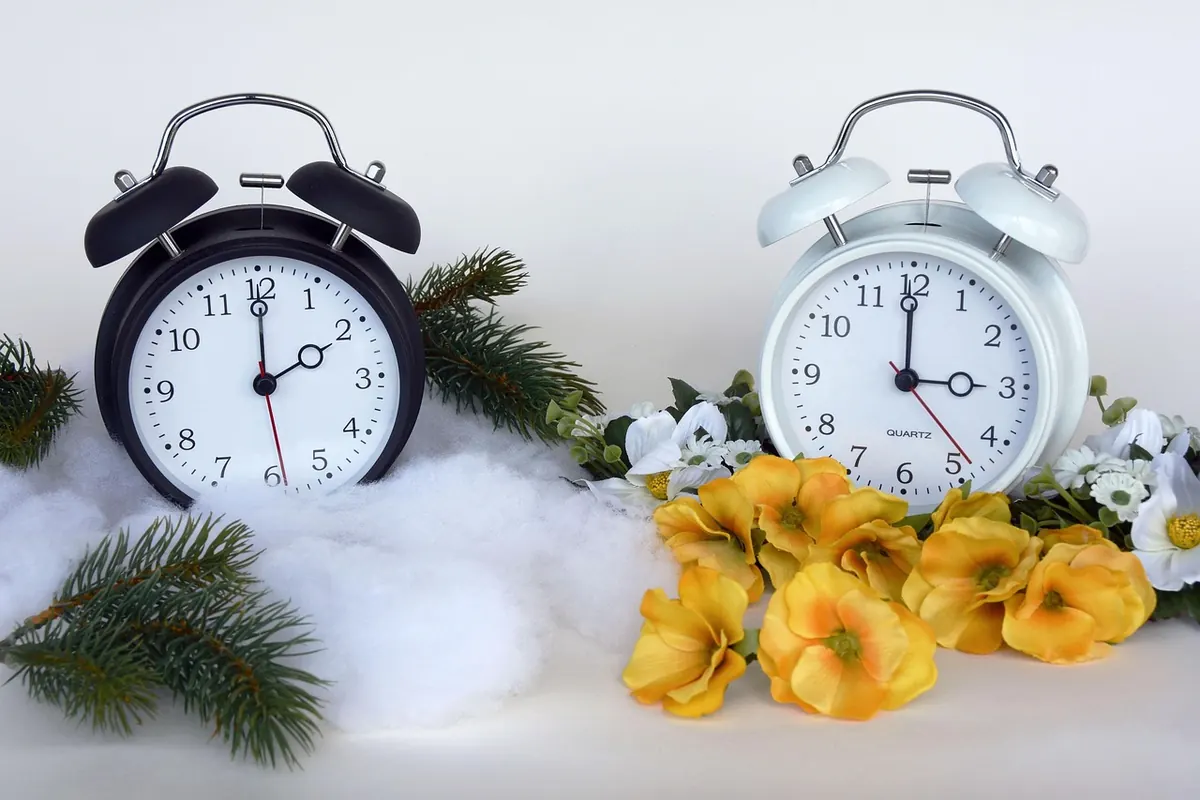
Photo: anncapictures / Pixabay
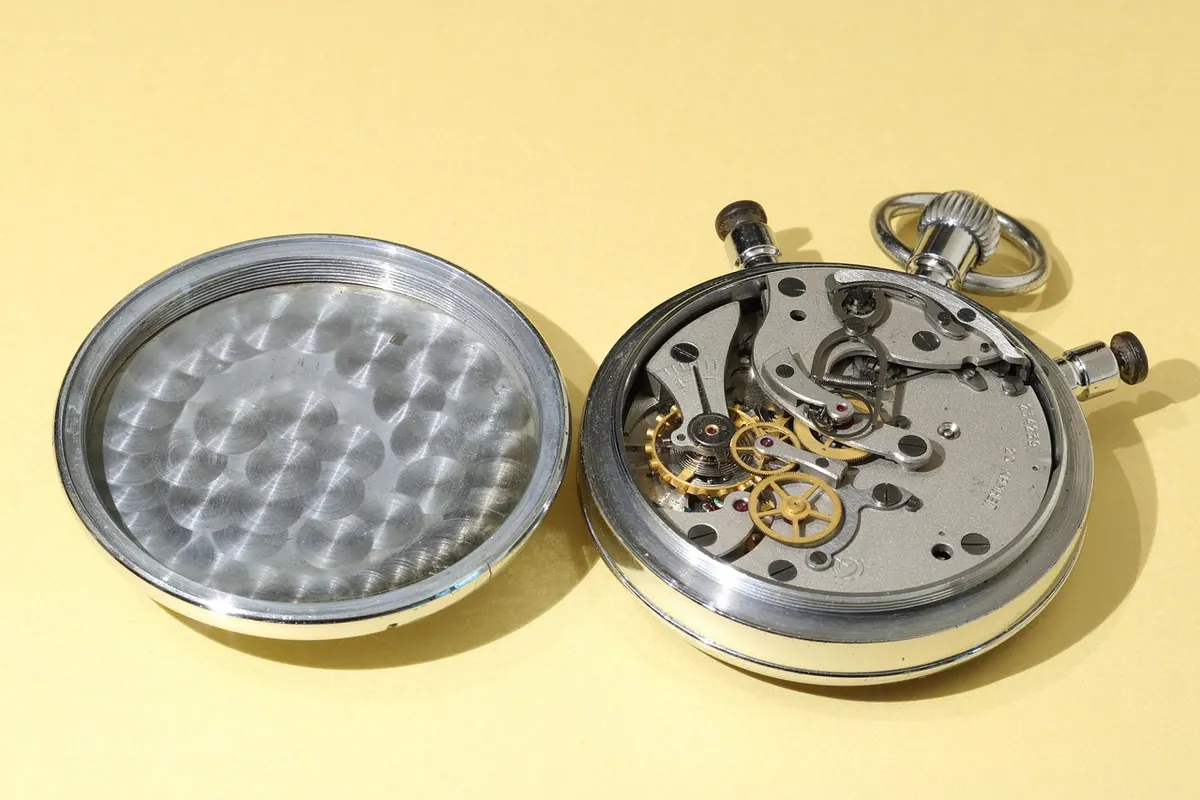
Always time for timeless watches and clocks..
Copyright © 2026 Ore Sempre. All rights reserved. Ore Sempre.